
Batch edit multiple images in Adobe Express
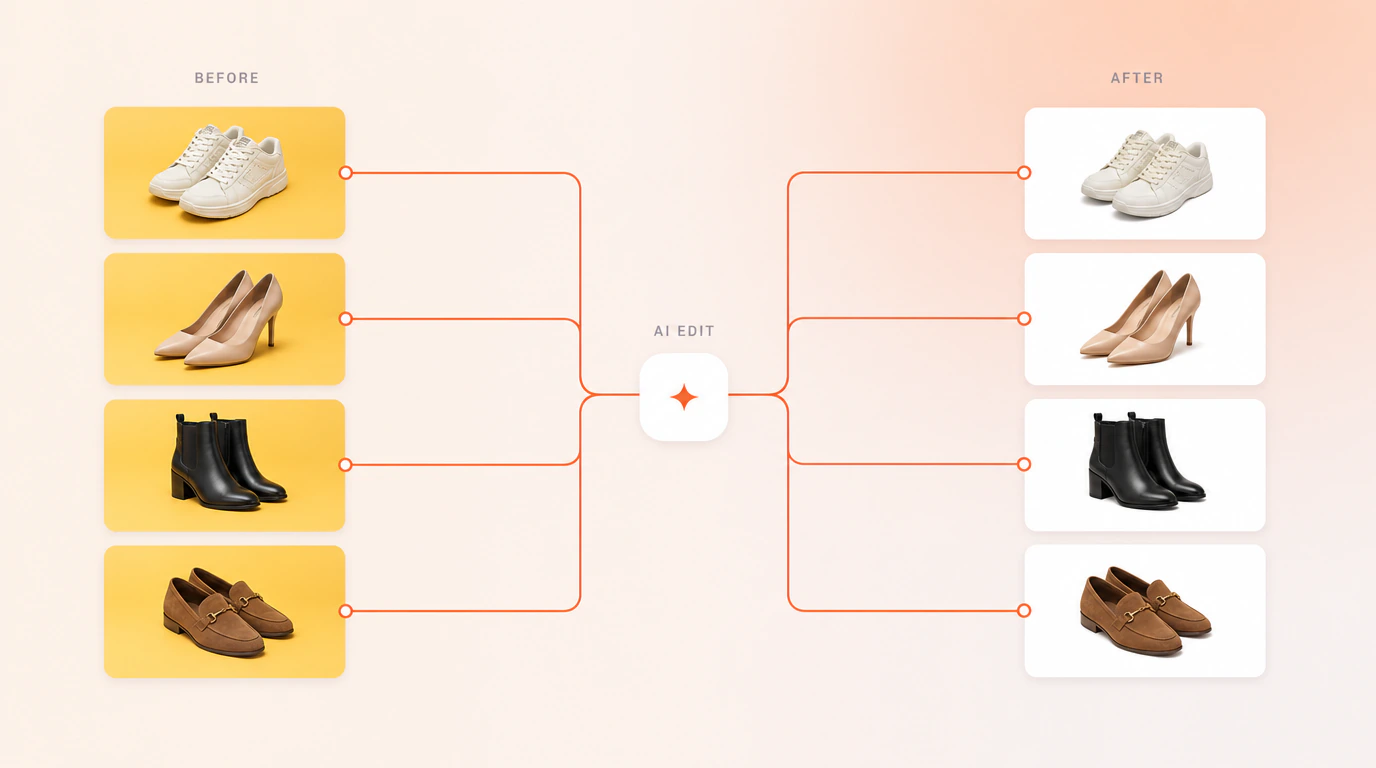
Express edits one image at a time. Bulk Designer applies the same correction to every photo in your set — auto tone, background, shadows and restoration — in a single pass you can walk away from.
Try it: one correction, every photo in the dataset
Pick a tool, pick a shoe from the dataset, and drag the line to compare. In the add-on the same correction runs on every photo in your dataset at once.
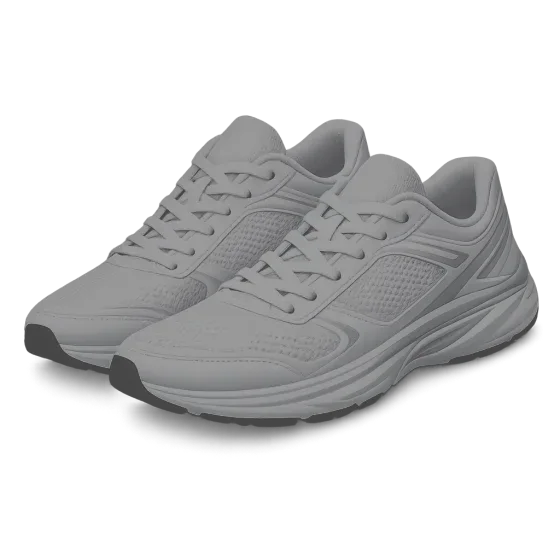
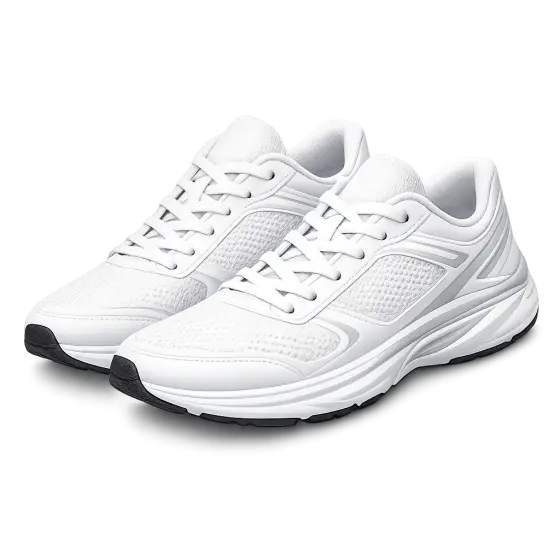
Exposure and colour balanced across the whole set, so photos shot on different days look like one set.
Shadow Studio
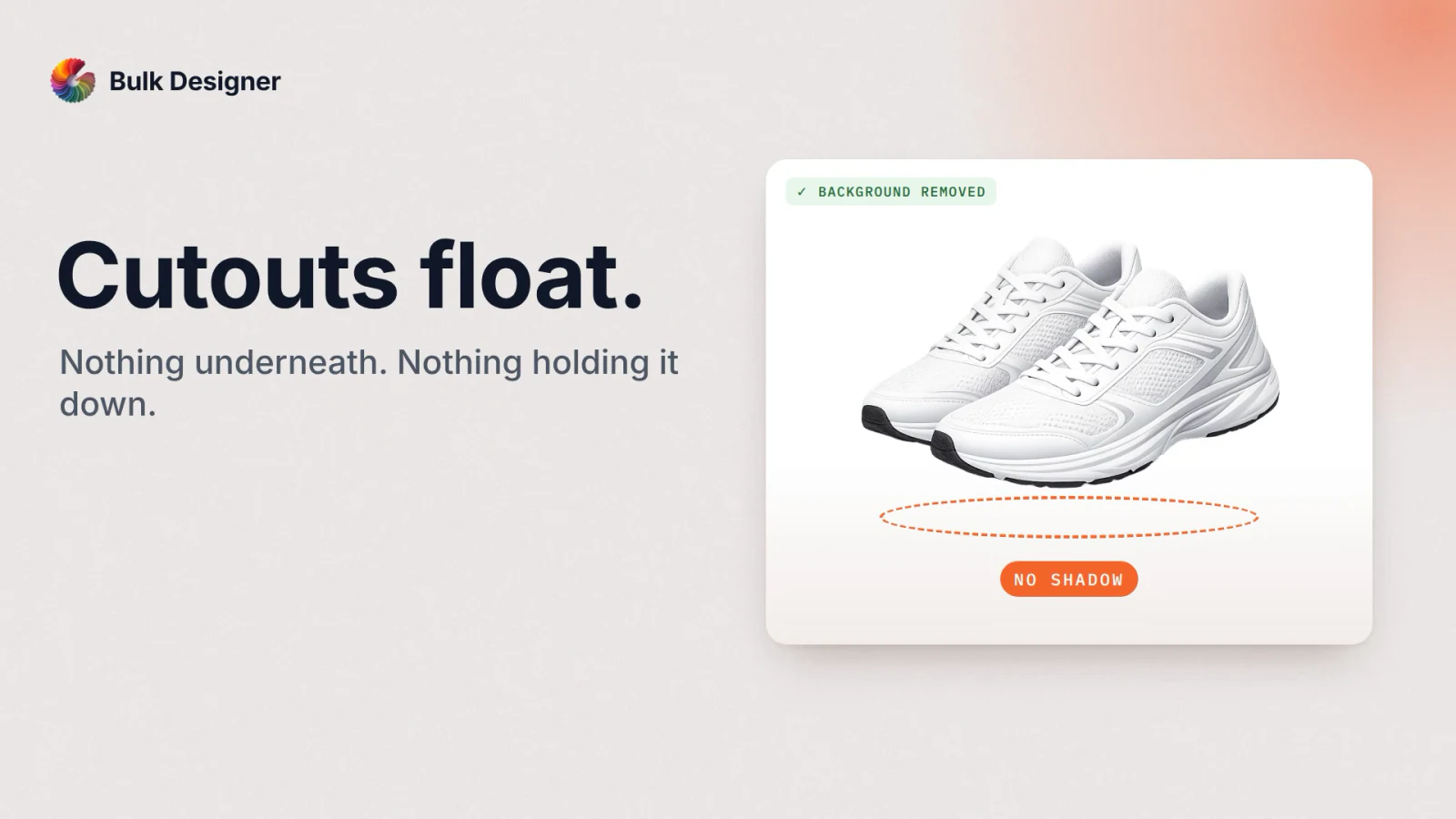
A cut-out with nothing under it floats. Shadow Studio sets each product on a surface with a shadow that fits it, front-on or top-down, in the colour you choose.
Four corrections, applied to the whole set
Auto Tone
Exposure and colour balanced across every image, so a set shot on different days looks like one set. HDR intensity is yours to set.
Background
Take the backdrop off, or replace it — transparent, a flat colour, or a blur behind the product.
Shadows
A real product shadow underneath, front or top-down, so a cut-out sits on a surface instead of floating.
Start it and walk away
Batch jobs run in the background. Start the run, close the window, and carry on with something else in Express — the job keeps going and the results land when it finishes. This is the part most people do not expect, and the reason a set of a hundred photos is not an afternoon.
Restoration is the fourth tool: it rescues a photo that arrived too small or too heavily compressed, which is common with supplier imagery.
Because the images come from your dataset, corrected versions flow straight onto the pages they belong to. You are not editing a folder and then re-importing it — the edit and the layout are the same run.
The AI features run on your own provider API keys, so you pay your provider directly at their rates. A trial comes with credits so you can try them first. See pricing.
Questions people ask
Is there a way to batch edit multiple images in Adobe Express, rather than going through each one individually?
Yes — that is what Bulk Designer adds. Select a whole set and apply Auto Tone, Background, Shadows or Restoration to all of them in one pass. Because the images come from your dataset, the edited versions flow straight onto the pages they belong to. Start the batch and close the window — the job keeps running while you work on something else.
I only want auto colour correction across a folder of photos. Do I need Lightroom for that?
Not for that step. Lightroom is a full photo editor, and batch-syncing an auto adjustment is a small corner of what it does. If all you need is consistent exposure and colour across a set of product shots, Auto Tone does it in one pass inside Adobe Express — which matters when the person doing the image cleanup does not have an editing background and should not have to learn a photo editor first.