

Bulk create in every ad size from one template
Express bulk create runs on one design at a time, so every aspect ratio needs its own template and its own pass. Link your sizes to a source page instead, and one run produces them all.
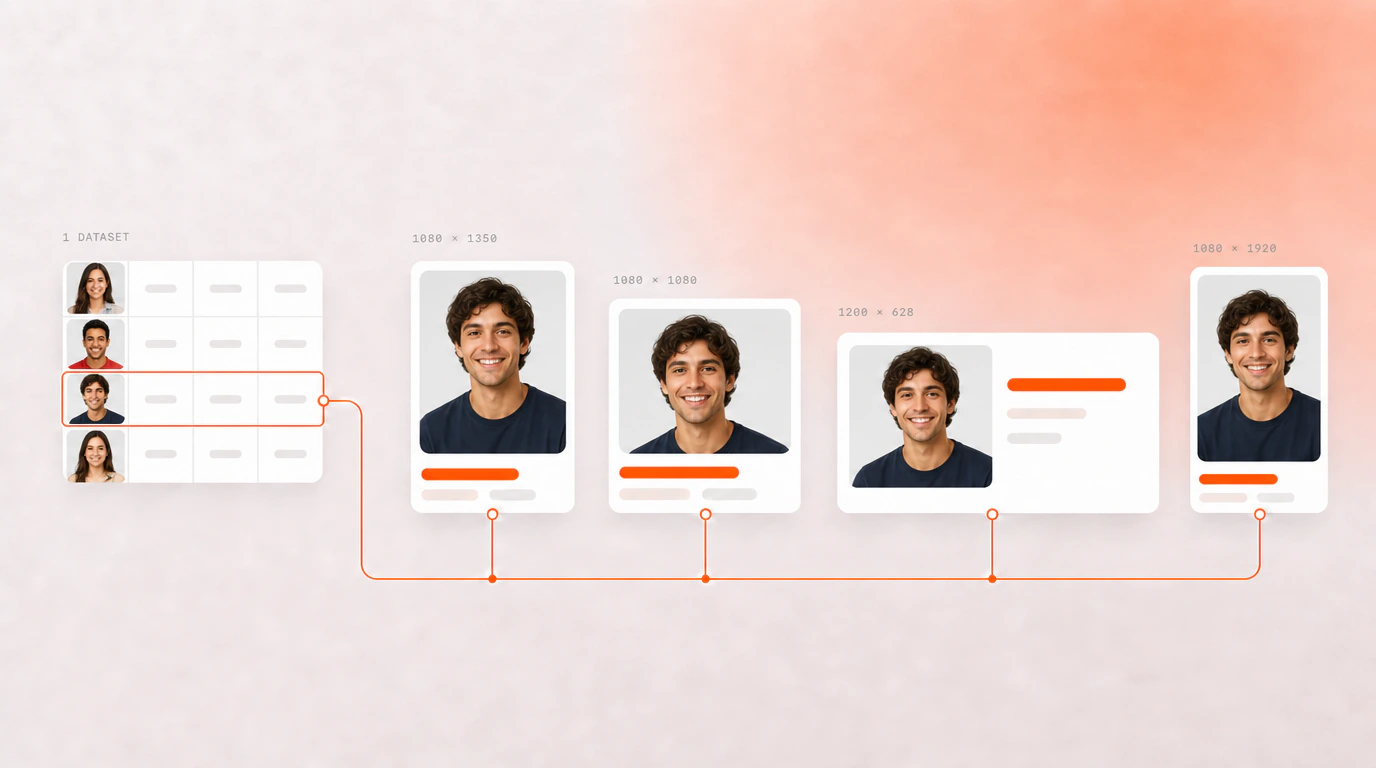
Try it: pick a row, get every size
The design was mapped once and every size is linked to it, so whichever row you pick lands in all of them. This example uses a spreadsheet of shoes and six sizes; yours can have as many rows and sizes as you need.
| Shoe_Name | Price | Image |
|---|
In this example, 11 rows × 6 sizes = 66 finished ads in one Adobe Express document. A document holds up to 250 pages, so size your run to fit.
How it works
Map the source page
Point each element at a column once — headline, price, image. This is the mapping every other size will inherit.
Add the sizes and link them
Add a page per aspect ratio and link it back to the source. The mapping carries across on its own; you do not remap anything.
Run it once
Every row is generated at every size in a single pass, into one document.
What this replaces
The workaround people use today is a template per size. Fifteen near-identical files, run one at a time, each producing its own download — and then a folder of zip archives to open and recombine before anything can be handed over.
Linked pages remove both halves of that. One template carries every size, and everything generates into a single Adobe Express document, so there is nothing to reassemble.
from one run, up to the 250 pages an Adobe Express document holds. The shoe example above is 11 rows × 6 sizes, or 66 ads.
Questions people ask
Do I have to run bulk create separately for every aspect ratio?
No. Set up one source page, map your elements to columns, then add the other sizes as linked pages — the mapping carries across to each one automatically, because the connectors are identical. A single run produces every size for every row in your data. You do not build fifteen near-identical templates, and you do not run the process fifteen times.
Will I end up with a pile of zip files to download and recombine?
No. Everything generates as pages inside one Adobe Express document, so all your sizes and all your variants are in a single place and you export from Express as you normally would. There is no per-size batch to download and reassemble afterwards.