

Connect your cloud storage to Adobe Express
Your product photography already lives somewhere. Point Bulk Designer at that folder and it resolves images by filename as it builds your designs — no downloading a zip, no re-uploading, no local copy to keep in sync.
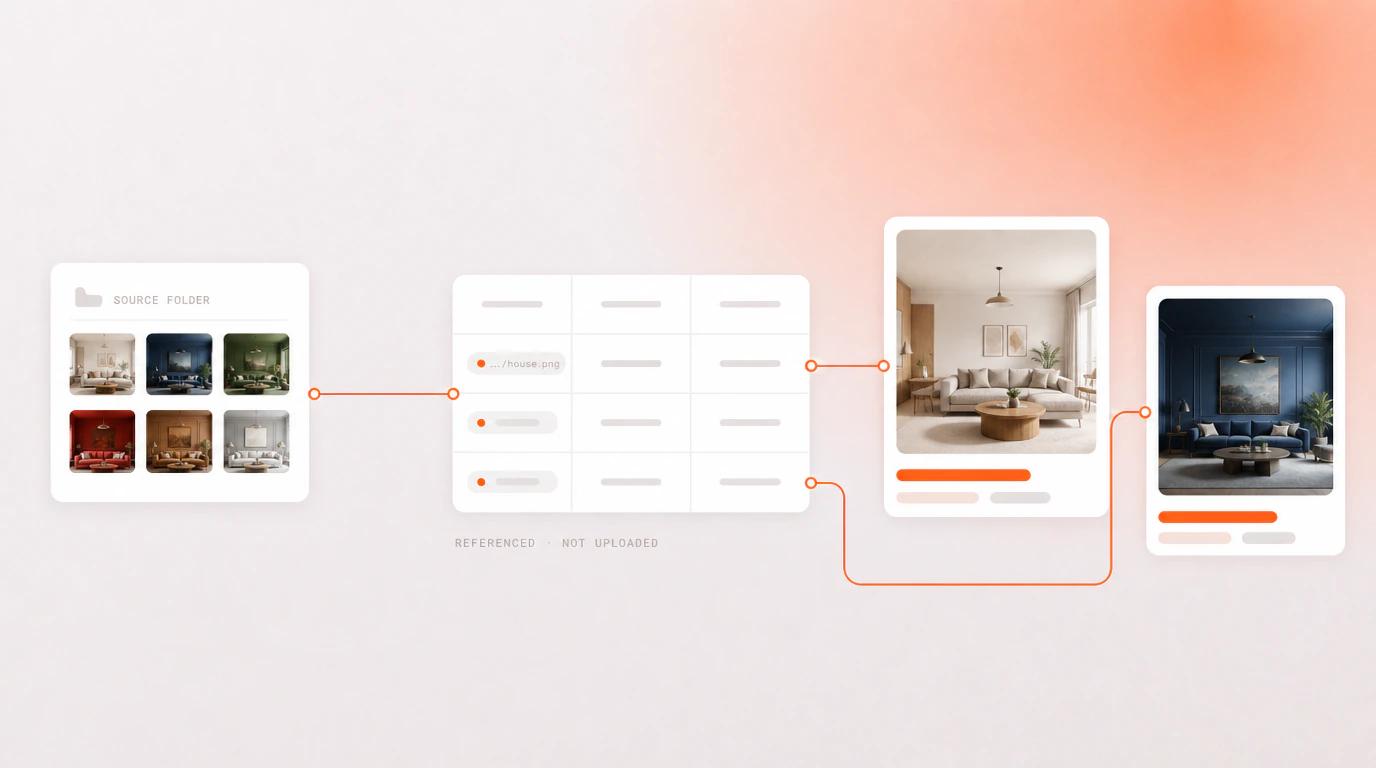
Where your images can come from
Your own cloud storage
Google Drive, Dropbox, OneDrive or Box. Browse to the folder once, and the filenames in your spreadsheet resolve against it on every run.
Unsplash
Search stock photography from inside the add-on when you do not have a shot of your own. Photographer attribution is carried through automatically.
Upload or a direct link
Drop files from your device, or point at an image URL — useful when your images already sit behind a CDN.
Which sources are free
Google Drive and Unsplash are free, alongside uploads and direct links. The other three connectors come with the Teams plan.
| Source | Plan |
|---|---|
| Upload from your device | Free |
| Direct image URL | Free |
| Unsplash stock | Free |
| Google Drive | Free |
| Dropbox | Teams |
| OneDrive | Teams |
| Box | Teams |
Your setup travels too
A Teams workspace also stores your column mappings and layer setups, so a colleague on another machine restores the whole session in one click — see how team workspaces work.
Questions people ask
Which cloud storage services can I connect to Adobe Express?
Google Drive, Dropbox, OneDrive and Box. You browse to a folder once, and the image filenames in your spreadsheet resolve against it on every run. Google Drive is free; the other three come with the Teams plan.
Do my images get copied into Bulk Designer?
No. The files stay in your own storage and are read from it as designs are built. There is no proprietary Bulk Designer cloud holding your assets, and nothing to keep in sync.
Can I use stock images if I do not have my own photography?
Yes. Unsplash is built into the image picker, so you can search and place stock photography without leaving the add-on. Photographer attribution is carried through with the image automatically, which is what Unsplash asks for.
Do I need a paid plan to use my own images?
No. Uploading from your device, pointing at an image URL, Unsplash and Google Drive are all free. Dropbox, OneDrive and Box are the three that need Teams.