

Stop re-mapping what a colleague already mapped
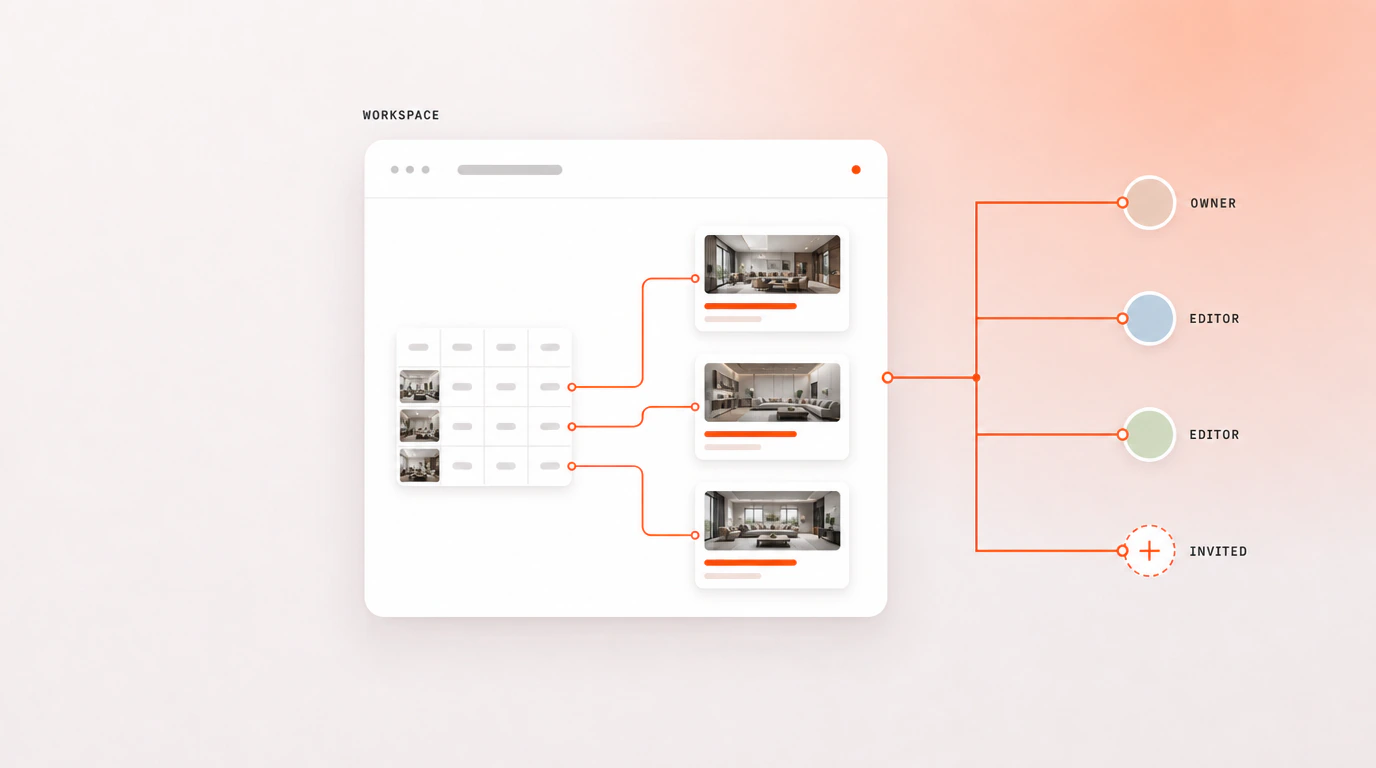
Setting up a bulk run is real work — pointing each element at the right column, arranging the layers, getting the dataset shape right. A workspace saves that once and hands it to everyone else, on any machine and any account.
How it works
Save the setup as a preset
From the Import Data or Preview step, once the mapping works. It captures the column bindings, the layer configuration and the dataset schema together.
Invite the team
Teammates join by email with a six-digit verification code. Three seats are included, and you can add more when you need them.
Load it anywhere
Any seat opens the preset on any machine, under their own account, and picks up the whole session — including after a cleared browser cache, because none of it lives in the browser.
What a workspace actually stores
A preset is the work you did once so nobody repeats it: which column feeds which element, how the layers are configured, and the shape of the dataset it expects. Saved from the Import Data or Preview step, it reopens on any machine.
| What a workspace holds | Plan |
|---|---|
| Saved column mappings and layer setups | Teams |
| Dataset schemas | Teams |
| Three seats, then $15 per extra seat a month | Teams |
| Encrypted API key vault | Teams |
What this is not
It is a saved-preset handoff, not simultaneous editing. Two people do not drive the same run at once with live cursors — one person sets a mapping up, saves it, and everyone else loads it. That distinction is worth stating plainly, because it is the thing most likely to disappoint at a demo if it were left vague.
What it does replace is the worst part of working as a team on this: re-mapping a spreadsheet somebody already mapped, and losing that work when a browser cache clears.
Questions people ask
What exactly is saved in a workspace preset?
The column mappings, the layer configuration and the dataset schema — the setup work, not the data itself. Loading a preset gives a colleague the same wiring you built, ready to run against their own spreadsheet.
How many seats does the Teams plan include?
Three, with more available at $15 a month each. Seats are people who can open the shared workspace and load its presets; each brings their own Adobe Express account.
Where are our API keys stored?
In the workspace key vault, encrypted with AES-256, so a team shares one set of provider keys rather than each person pasting their own. The AI features run on keys you supply — Bulk Designer does not resell or meter credits.
Do my teammates need their own Adobe Express accounts?
Yes. Bulk Designer is an add-on inside Adobe Express, so each person works in their own Express account. The workspace is what travels between them, not the Express document.